
iOS
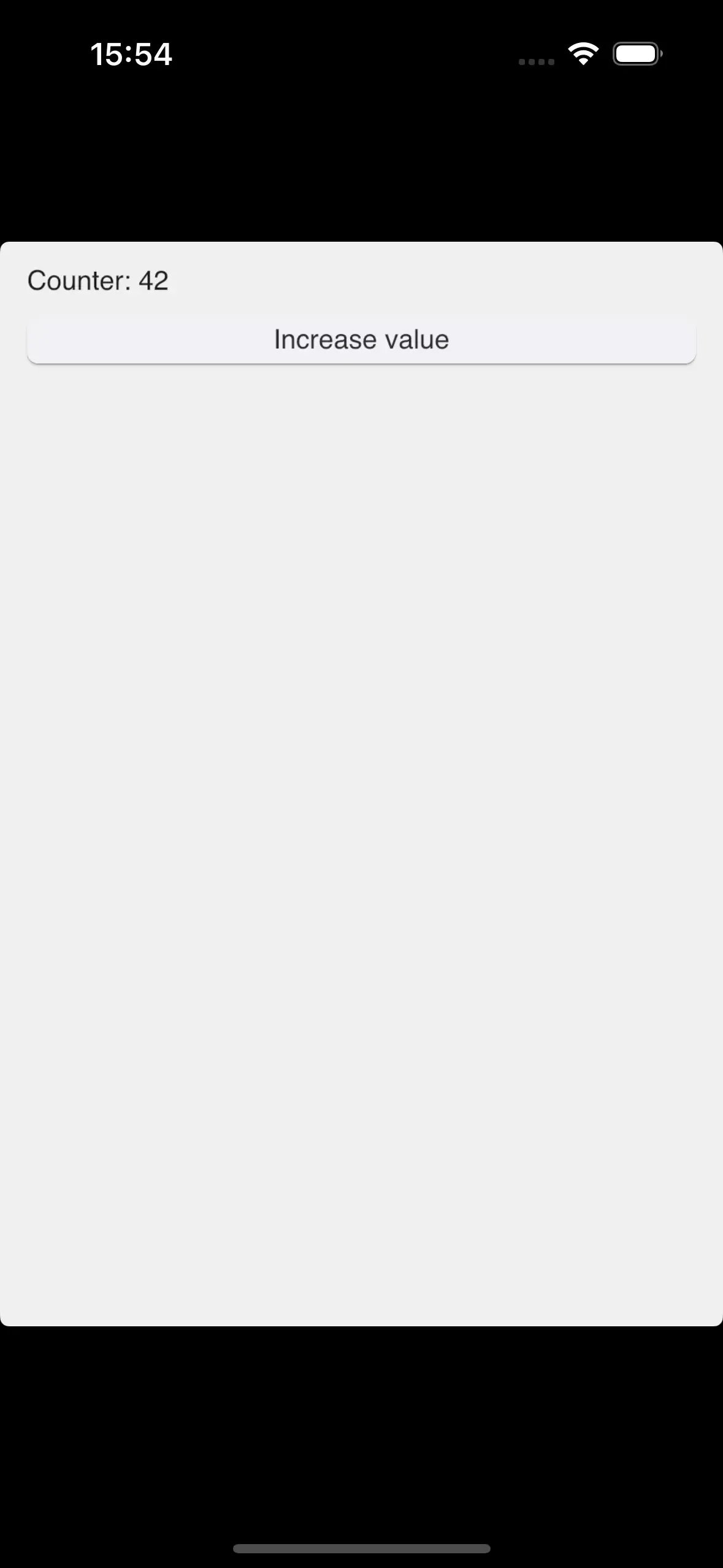
A Rust-based Slint application can be cross-compiled to iOS and runs on iPhones, iPads, and their respective simulators. This is implemented through the Winit backend and the Skia Renderer.
Prerequisites
Section titled “Prerequisites”- A computer running macOS.
- An up-to-date installation of Xcode ↗.
- Xcodegen ↗.
- Rust ↗
- The Rust device and simulator toolchains. Run
rustup target add aarch64-apple-iosandrustup target add aarch64-apple-ios-simto add them.
Adding iOS Support to an existing Rust Application
Section titled “Adding iOS Support to an existing Rust Application”The following steps assume that you have a Rust application with Slint prepared. If you’re just getting started, use our Slint Rust Template ↗ to get a minimal application running.
Use XCode to building, deploy, and submit iOS applications to the App Store. Use Xcodegen ↗ to create an Xcode project from a minimal description.
- Verify that your application compiles for iOS, by running:
cargo build --target=aarch64-apple-ios- Create a file called
project.ymlwith the following contents:
name: My Appoptions: bundleIdPrefix: com.companysettings: ENABLE_USER_SCRIPT_SANDBOXING: NOtargets: MyApp: type: application platform: iOS deploymentTarget: "12.0" info: path: Info.plist properties: UILaunchScreen: - ImageRespectSafeAreaInsets: false sources: [] postCompileScripts: - script: | ./build_for_ios_with_cargo.bash slint-rust-template outputFileLists: $TARGET_BUILD_DIR/$EXECUTABLE_PATHAdjust the name, bundle id, and other fields as needed.
This configuration file delegates the build process to cargo through a shell script.
- In a new file called
build_for_ios_with_cargo.bash, paste the following script code:
#!/usr/bin/env bash# Copyright © SixtyFPS GmbH <info@slint.dev># SPDX-License-Identifier: GPL-3.0-only OR LicenseRef-Slint-Royalty-free-2.0 OR LicenseRef-Slint-Software-3.0
set -euvx
# Fix up PATH to work around https://github.com/rust-lang/rust/issues/80817 and add cargo.export PATH="/usr/local/bin:/usr/bin:/bin:/usr/sbin:/sbin:$PATH:$HOME/.cargo/bin"
# based on https://github.com/mozilla/glean/blob/main/build-scripts/xc-universal-binary.sh
if [[ "$CONFIGURATION" != "Debug" ]]; then    CARGO_PROFILE=release    MAYBE_RELEASE=--releaseelse    CARGO_PROFILE=debug    MAYBE_RELEASE=fi
# Build with debug info so a dSYM can be produced below. Release builds carry no# debug info by default, which makes the archive fail validation with a missing# dSYM for the (cargo-built) executable.export CARGO_PROFILE_RELEASE_DEBUG="${CARGO_PROFILE_RELEASE_DEBUG:-1}"
# Make Cargo output cache files in Xcode's directoriesexport CARGO_TARGET_DIR="$DERIVED_FILE_DIR/cargo"
IS_SIMULATOR=0if [ "${LLVM_TARGET_TRIPLE_SUFFIX-}" = "-simulator" ]; then  IS_SIMULATOR=1fi
executables=()for arch in $ARCHS; do    case "$arch" in        arm64)            if [ $IS_SIMULATOR -eq 0 ]; then              CARGO_TARGET=aarch64-apple-ios            else              CARGO_TARGET=aarch64-apple-ios-sim            fi            ;;        x86_64)            export CFLAGS_x86_64_apple_ios="-target x86_64-apple-ios"            CARGO_TARGET=x86_64-apple-ios            ;;    esac
    cargo build $MAYBE_RELEASE --target $CARGO_TARGET --bin "$1" "${@:2}"
    executables+=("$DERIVED_FILE_DIR/cargo/$CARGO_TARGET/$CARGO_PROFILE/$1")done
# Combine executables, and place them at the output path excepted by Xcodelipo -create -output "$TARGET_BUILD_DIR/$EXECUTABLE_PATH" "${executables[@]}"
# Generate a dSYM for the executable into the folder Xcode collects dSYMs from# for the archive. Xcode only produces dSYMs for what it compiles, not for this# cargo-built binary, so without this the archive has no dSYM matching its UUID.if [ -n "${DWARF_DSYM_FOLDER_PATH:-}" ] && [ -n "${DWARF_DSYM_FILE_NAME:-}" ]; then    mkdir -p "$DWARF_DSYM_FOLDER_PATH"    dsymutil "$TARGET_BUILD_DIR/$EXECUTABLE_PATH" -o "$DWARF_DSYM_FOLDER_PATH/$DWARF_DSYM_FILE_NAME"fi
# Force code signing every run for device builds (non-simulator), unless code# signing is disabled (e.g. unsigned archive builds with CODE_SIGNING_ALLOWED=NO).if [ $IS_SIMULATOR -eq 0 ] && [ "${CODE_SIGNING_ALLOWED:-YES}" != "NO" ] && [ -n "${EXPANDED_CODE_SIGN_IDENTITY:-}" ]; then codesign --force --sign "${EXPANDED_CODE_SIGN_IDENTITY}" \ --entitlements "${TARGET_TEMP_DIR}/${PRODUCT_NAME}.app.xcent" \ "${TARGET_BUILD_DIR}/${EXECUTABLE_PATH}"fi-
Make the script executable with
chmod +x build_for_ios_with_cargo.bash. -
Run
xcodegento createMy App.xcodeproj, and open it in Xcode. Now you can build, deploy, and debug your iOS application.
© 2026 SixtyFPS GmbH